
Find your Clover. Built for how you do business.
Four point-of-sale systems, one Clover ecosystem. Compare features, footprints, and pricing side-by-side — and pick the one that fits your counter, your customers, and your numbers.
Clover Mini
Compact all-in-one. Big POS power, small footprint.
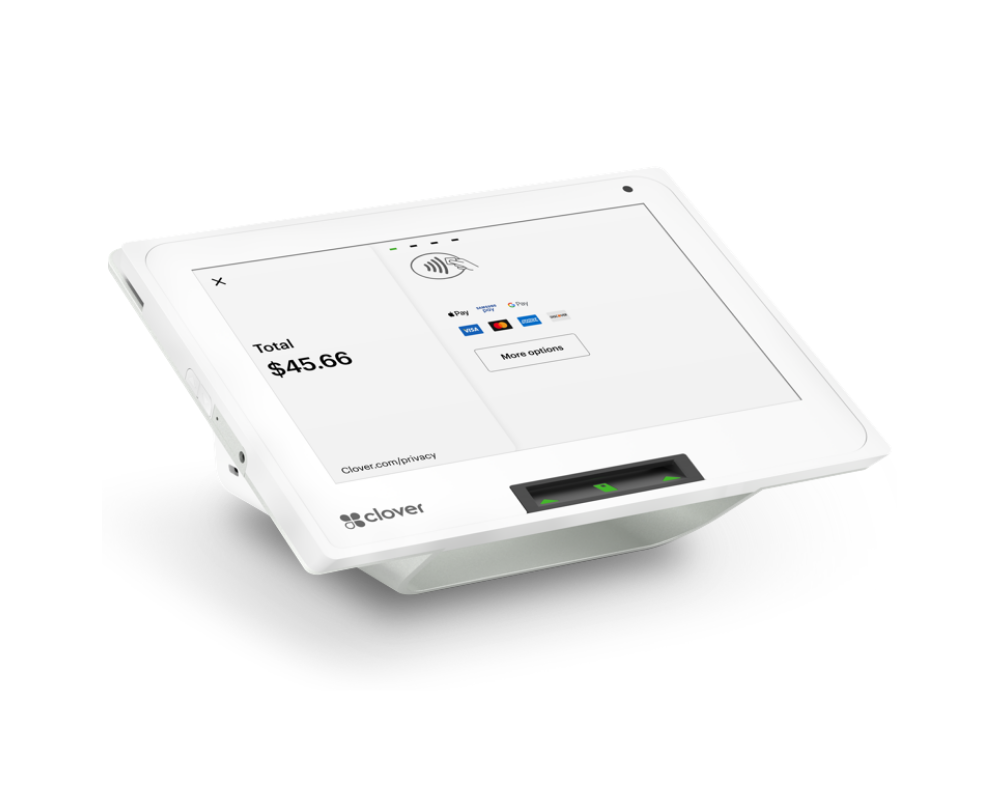
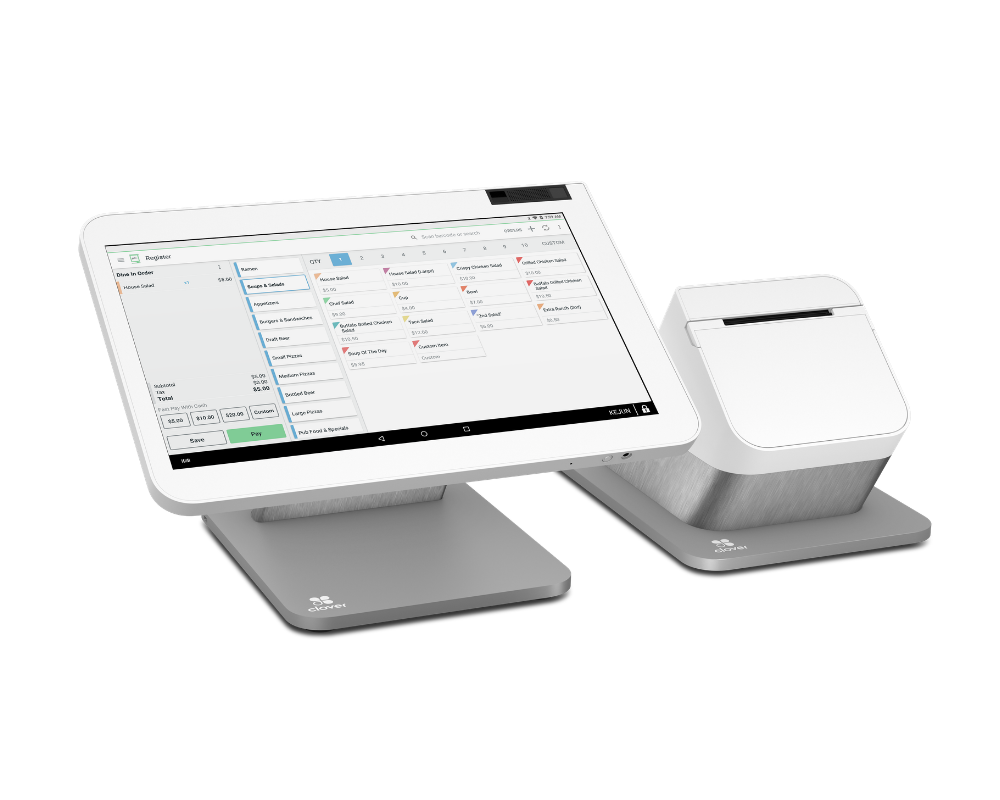
Station Solo
All-in-one 14" counter terminal. Everything in one place.
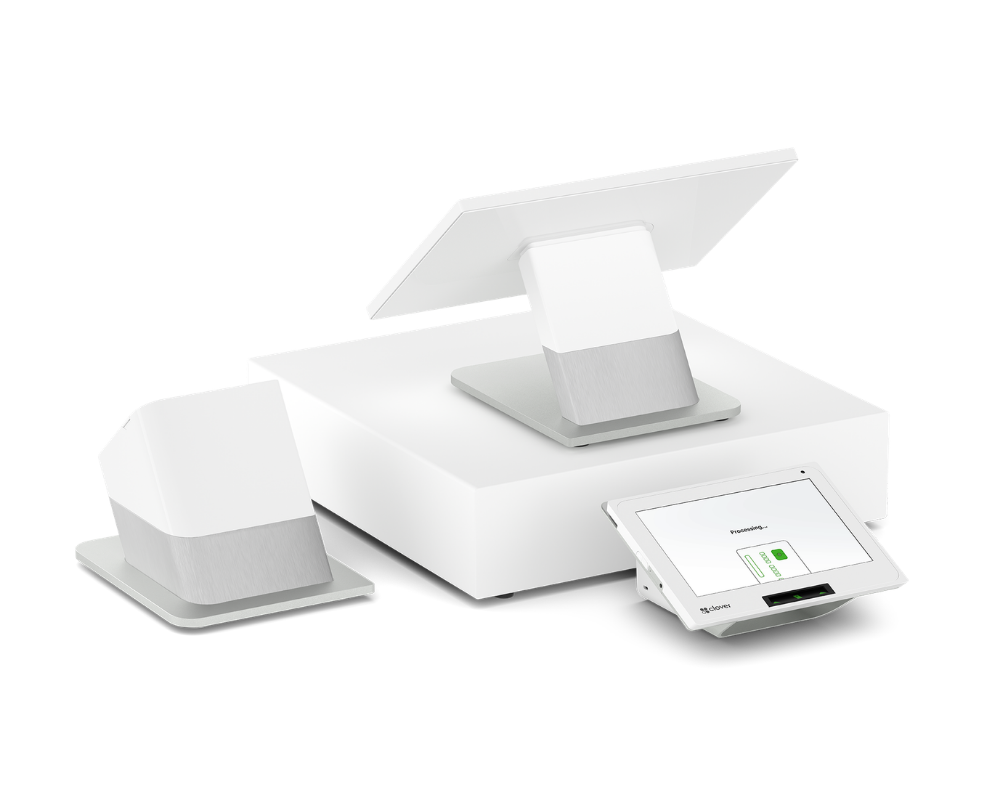
Station Duo
Dual-screen with customer-facing display. Higher tips, better experience.
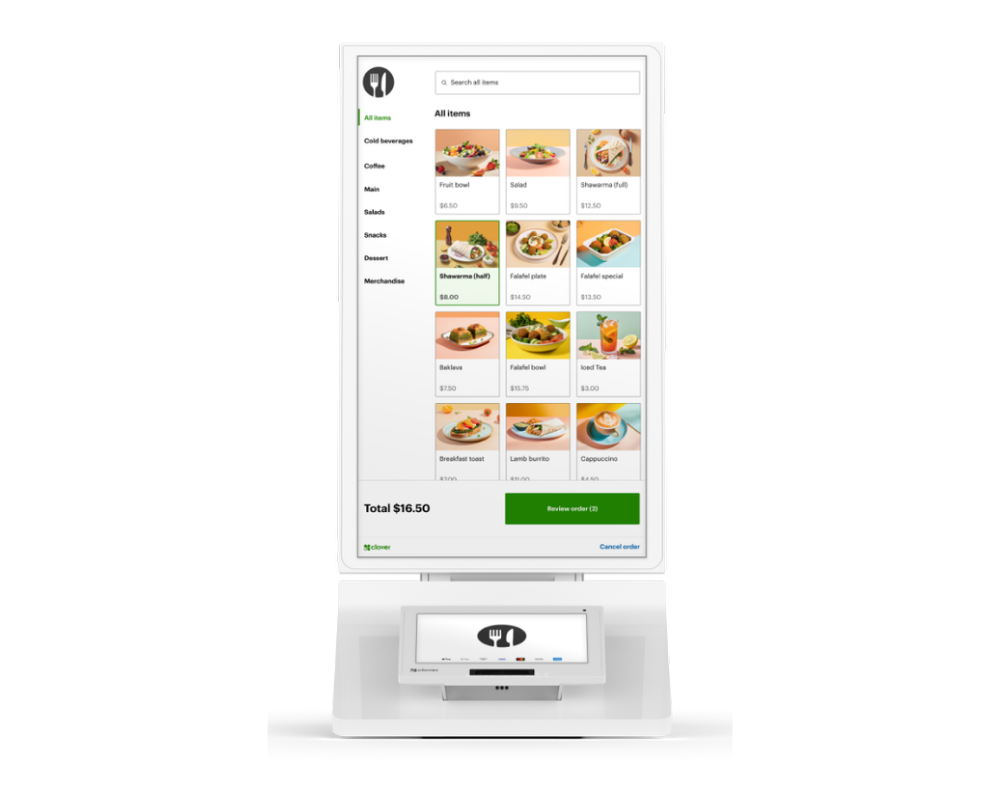
Clover Kiosk
22" self-order terminal. Bigger orders, shorter lines, ROI in months.
Every feature, side by side.
Hardware, payments, software, pricing — everything you need to make the call.
|
Clover Mini
Compact all-in-one
$1,000one-time
Learn more
|
Station Solo
14" single-screen counter
$1,299one-time
Learn more
|
Most Popular
Station Duo
14" + 7" customer display
$1,999one-time
Learn more
|
Clover Kiosk
22" self-order terminal
$4,000one-time
Learn more
|
|
|---|---|---|---|---|
| Hardware | ||||
| Display size | 8" | 14" | 14" + 7"Dual screens | 22" vertical |
| Customer-facing displayFor tips, signatures, order review | Whole screen is customer-facing | |||
| Built-in receipt printer | 2¼" thermal | 3⅛" thermal | 3⅛" thermal | 3⅛" thermal |
| Cash drawer included | Optional add-on | Optional add-on | ||
| Form factor | Counter195 mm wide | Counter354 mm wide | Counter354 mm + customer base | Floor or counter152 cm tall stand |
| 4G LTE option | ||||
| Payments | ||||
| Chip · Tap · Swipe | ||||
| Apple Pay & Google Pay | ||||
| On-screen tip promptsDrives 20–30% higher tips | Merchant screen | Merchant screen | Customer-facing | Customer-facing |
| Sign on glass | Merchant screen | Merchant screen | Customer-facing | |
| Self-order capable | Built for it | |||
| Multi-language UI | Customer-selectable | |||
| Software & Cloud | ||||
| Clover OS | ||||
| Live cloud reporting | ||||
| Inventory & staff management | ||||
| 500+ Clover apps | ||||
| KDS / kitchen printer | ||||
| Custom-branded UI | Customer screen only | Full UI customization | ||
| ADA accessibility features | ADA-compliant mount | |||
| Pricing & Support | ||||
| One-time purchase | $1,000 | $1,299 | $1,999 | $4,000 |
| Lease (from) | $44/mo | $60/mo | $100/mo | $200/mo |
| Monthly rental | $49.99/mo | Not available | Not available | Not available |
| Free setup & training | On-site install | |||
| 24/7 Canadian support | ||||
| 3-year hardware warranty | ||||
Let customers order themselves.
Self-order kiosks lift average ticket size and shorten lines — customers browse, customize, and pay on their own while your team focuses on the kitchen. Here are the three kiosk options we deploy.
Clover Kiosk
A 22″ self-order terminal built for QSR, cafés, and fast-casual. Customers place and pay for their own orders — bigger tickets, shorter lines, and labour freed up for the kitchen.
- 22″ vertical self-order touchscreen
- Built-in card reader + receipt printer
- Routes orders to your Clover POS & KDS
Samsung Kiosk + Stand
A premium self-order kiosk on a Samsung touchscreen with a floor-standing pedestal included. Larger, more polished, and ruggedized for high-traffic locations, with customizable branding.
- Free-standing Samsung kiosk + pedestal
- Customizable branding, runs kiosk software
- Built for high-traffic, premium fit-outs
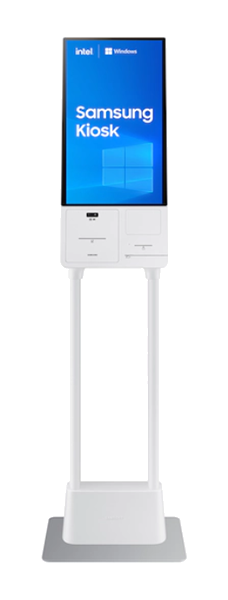
Samsung Kiosk (no stand)
The same Samsung kiosk hardware in a tabletop or wall-mount setup — a lower up-front option for tight footprints or when you already have your own mounting.
- Tabletop or wall-mount configuration
- Same Samsung hardware, smaller footprint
- Lower up-front cost than the stand version
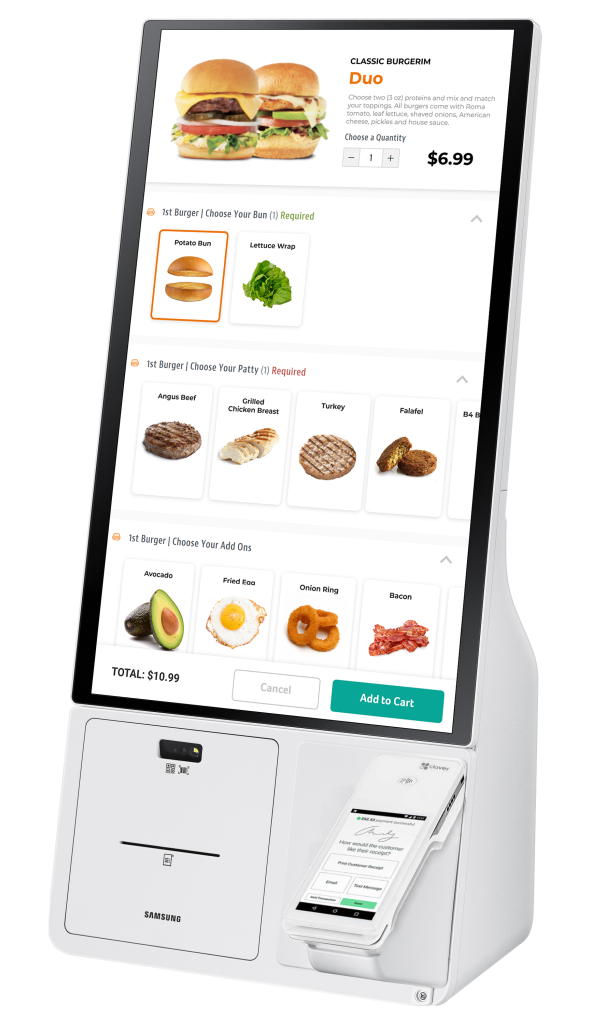
All kiosks are available to purchase, lease, or pay in installments — no monthly rental. Kiosk software, and a Clover Flex for staff refunds and manager overrides on the Samsung models, are quoted separately. Samsung kiosks are configured with a Great POS specialist.
Accessories & add-ons.
Everything that pairs with your Clover system — printers, scanners, stands, cash drawers and more. Here's exactly what each one does and which system it works with.
Printers
Customer receipts, kitchen tickets, and order labels.
Station Solo Receipt Printer
A standalone thermal receipt printer for the Station Solo — for when you want the printer set away from the screen (behind a bar, separate from the till) or need a spare. Prints crisp customer receipts on standard thermal paper.
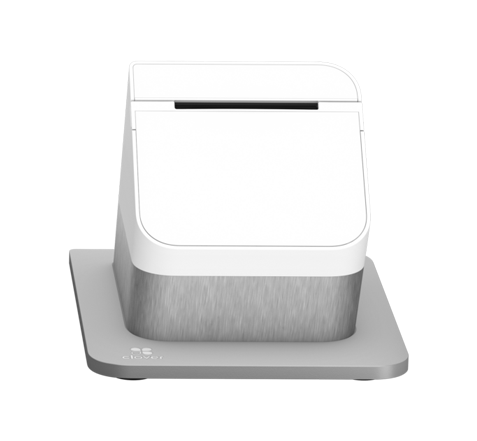
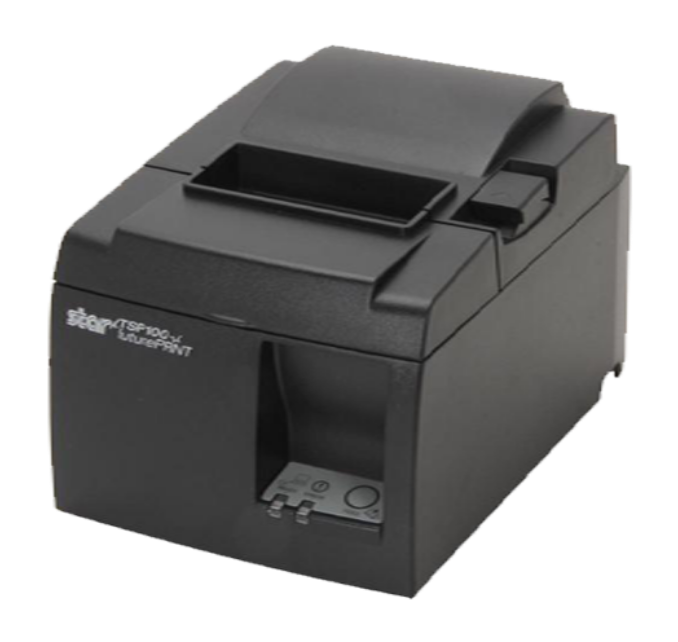
Thermal Order Printer
A fast, quiet thermal receipt printer for the front counter — ideal for retail tills and customer receipts. Note: thermal paper isn't built for kitchen heat, so this one stays out front.
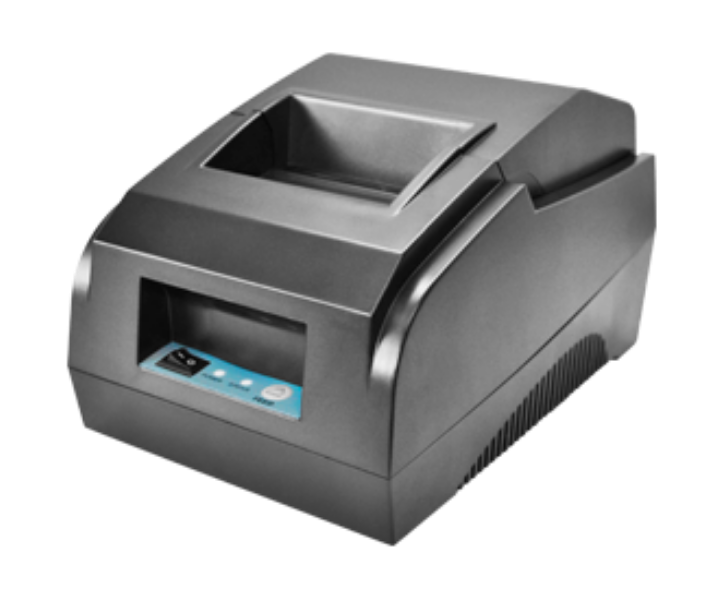
Kitchen Order Printer
An impact (ink-ribbon) printer built for the kitchen. Unlike thermal paper, impact printing won't melt in the heat — so cooks get clean, readable tickets pushed straight from your POS.
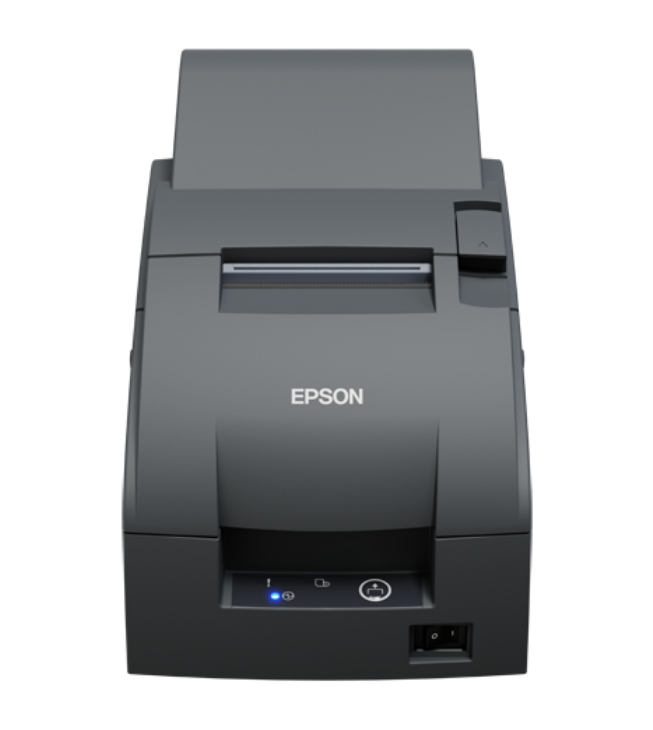
Kitchen Order Printer — Chinese
The same heat-resistant impact kitchen printer, with firmware that prints Chinese characters — so kitchen tickets come out in your team's language. Built for Chinese, dim-sum, ramen, pho, and hot-pot kitchens.
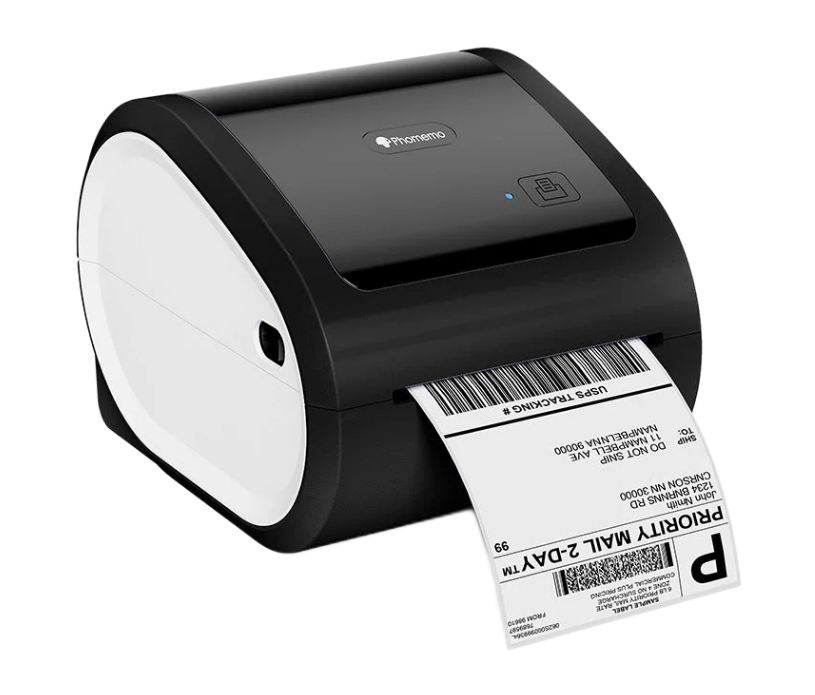
Thermal Sticky Label Printer
Prints adhesive order labels that stick to cups, takeout bags, and containers — so every drink and bag is matched to the right order and customer name. A favourite for coffee, boba, and juice bars.
Checkout & Cash Handling
Cash drawers, scanners, and scales for a faster till.
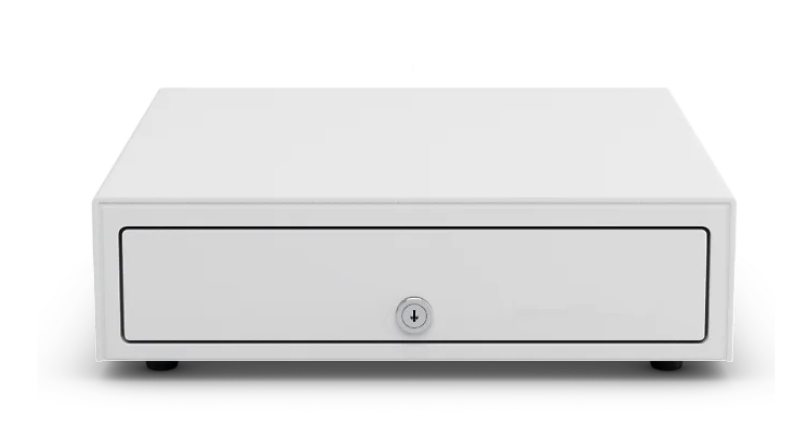
Cash Drawer
A sturdy, lockable cash drawer that pops open automatically when a cash sale is rung in. Connects through your Clover Mini or Station — keeps your float secure and your till organized.
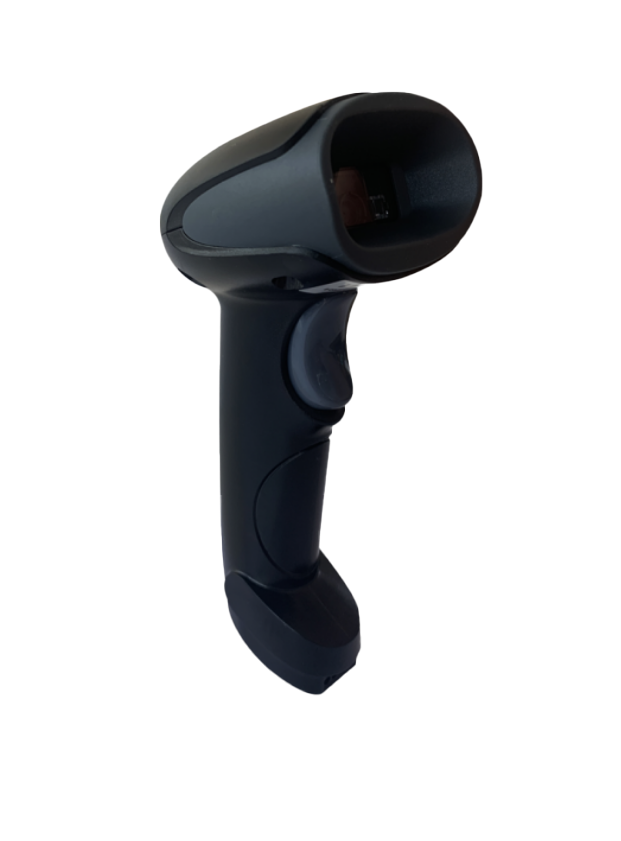
Barcode Scanner — Handheld
A handheld laser scanner for fast, accurate item lookup at the till. Point, pull the trigger, and the item drops straight into the order — ideal for retail and convenience stores.
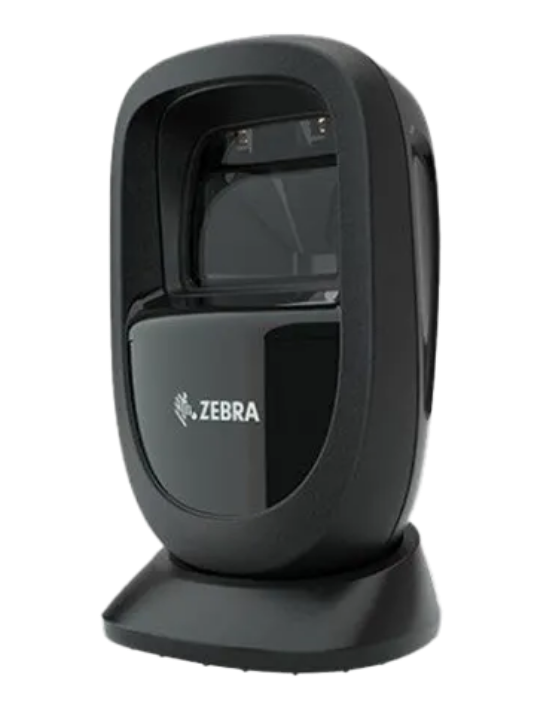
Barcode Scanner — Handsfree
An omnidirectional hands-free scanner that sits on the counter and reads barcodes from any angle. Built for high-volume retail where speed at checkout matters most.
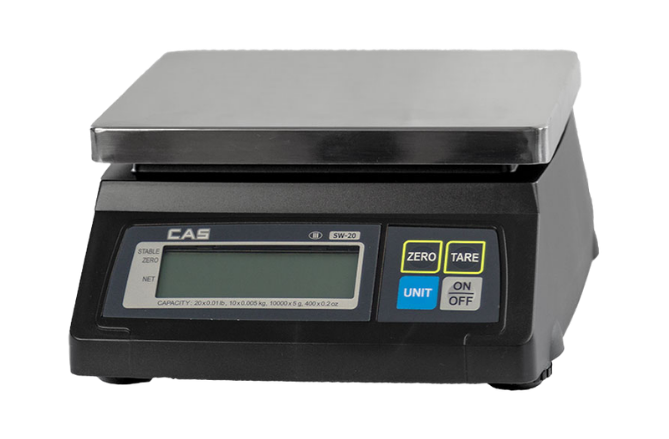
Integrated Weight Scale
A POS-integrated weighing scale for selling by weight — produce, bulk goods, candy, deli. Weighs and prices the item right inside your Clover order, with no manual entry.
Kitchen Add-ons
Bump bars and stands for your Clover KDS.
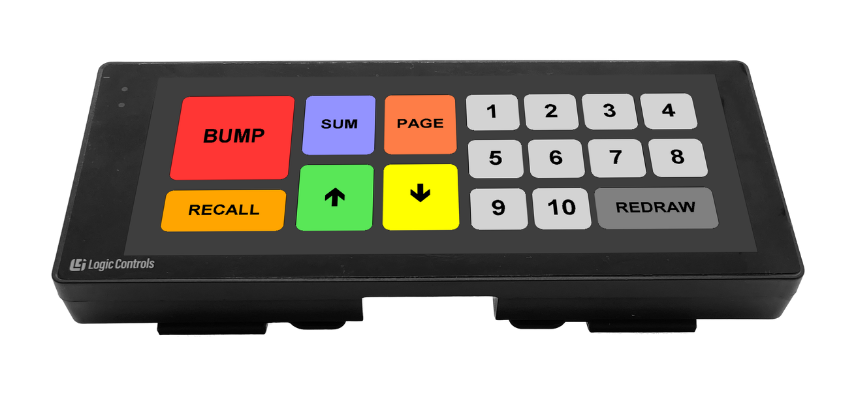
Bump Bar
A durable, spill-proof control bar that lets kitchen staff clear and recall orders on the Clover KDS with a single keypress — no touching the screen with messy hands. Speeds up the line during a rush.
KDS Table-top Stand
A sturdy counter stand that holds your Clover KDS screen at the right angle and height for the kitchen line. Keeps the display off the worktop and easy for cooks to read at a glance.
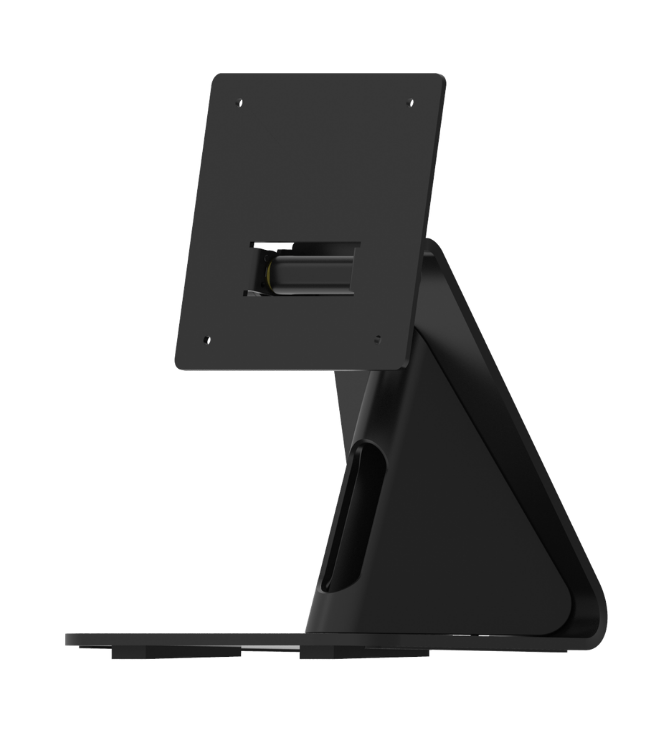
Stands & Mounts
Swivel stands, wall mounts and floor stands.
Mini Swivel Stand
A rotating countertop stand for the Clover Mini that spins to face the customer for tips, signatures, and tap-to-pay — then swings back to your staff. Smooth, weighted, and stable.
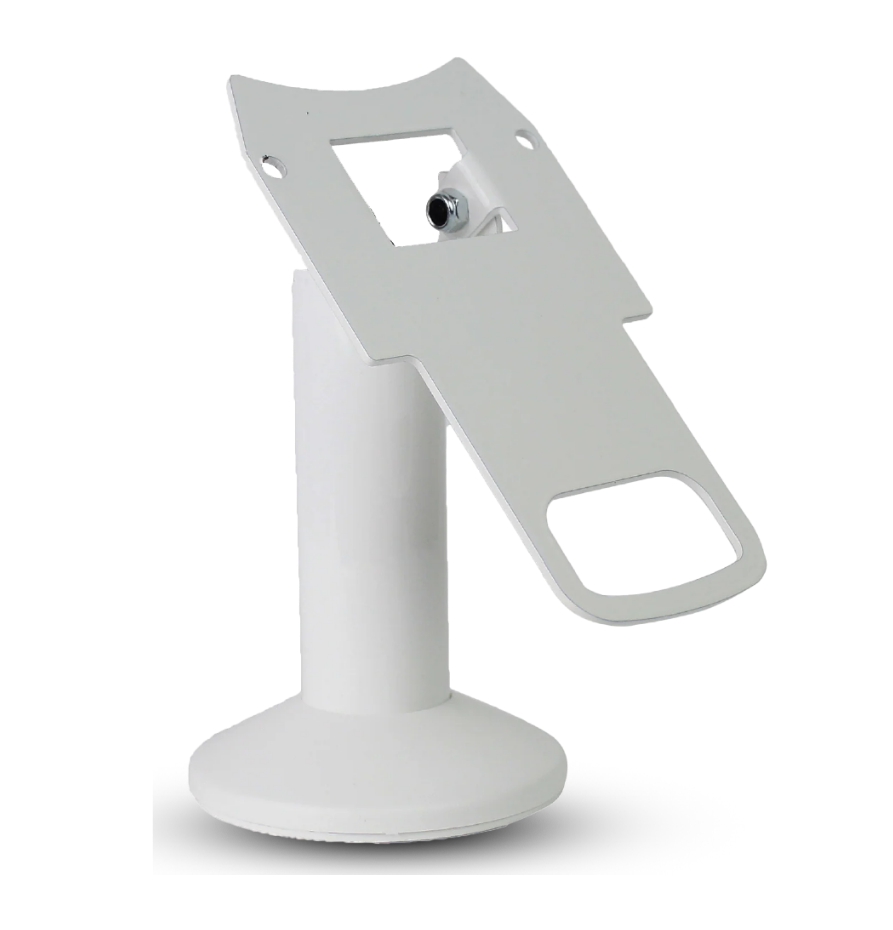
Clover Kiosk Wall Mount
A secure wall-mount bracket for the Clover Kiosk — ideal when floor space is tight. Holds the 22″ kiosk at an accessible height and angle, with cable management built in.
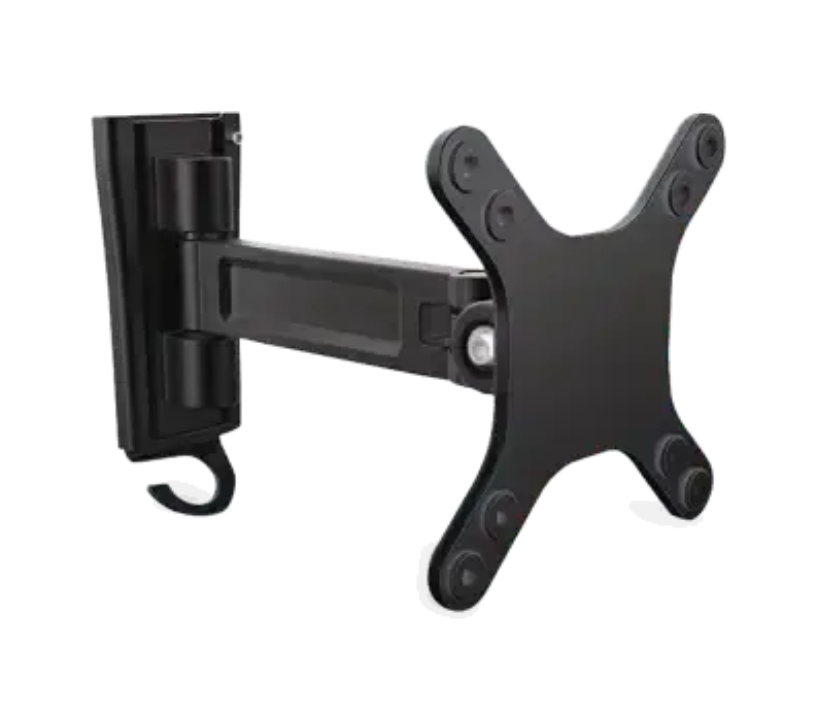
Clover Kiosk Stand
A free-standing floor pedestal for the Clover Kiosk — turns the 22″ kiosk into a self-serve station anywhere on the floor. Weighted base, ADA-friendly height, and clean cable routing.
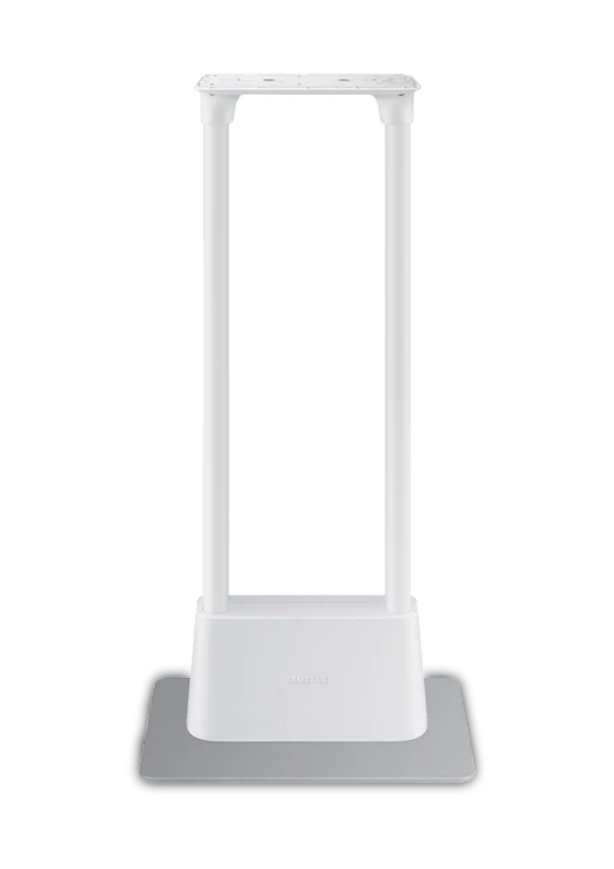
Mobility & Staff
Tethering, travel kits, and staff login cards.
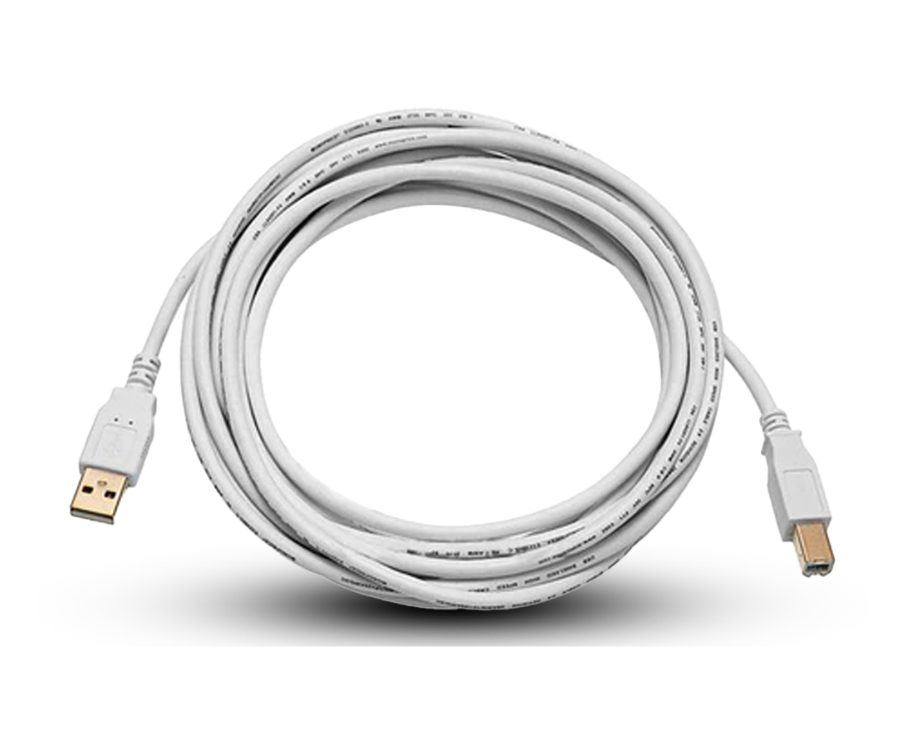
Mini-to-Mini Tethering Cord
A connecting cord that links two Clover Minis so they share one setup — handy for a second register or a customer-facing screen. A low-cost way to add a station without a full second system.
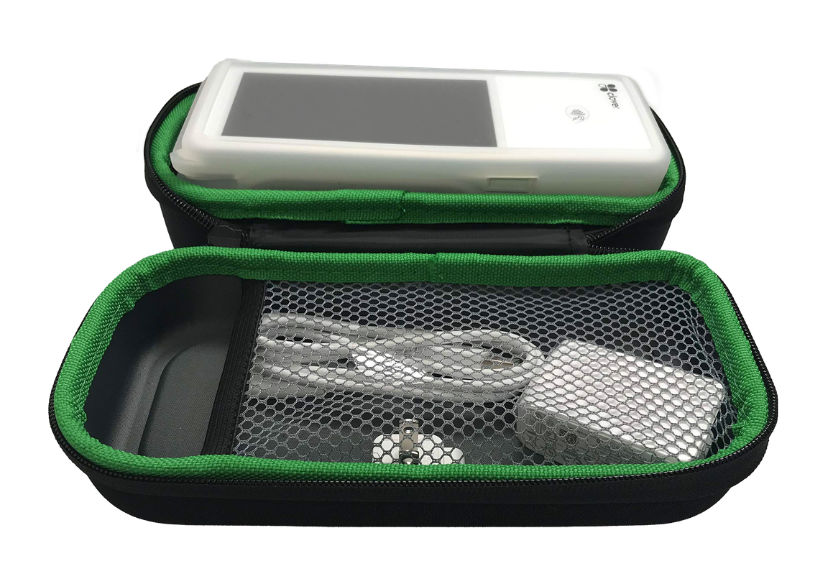
Clover Flex Travel Kit
A protective carry case and charging kit for the Clover Flex — built for tableside ordering, line-busting, markets, and delivery. Keeps the handheld safe, charged, and ready to go on the move.
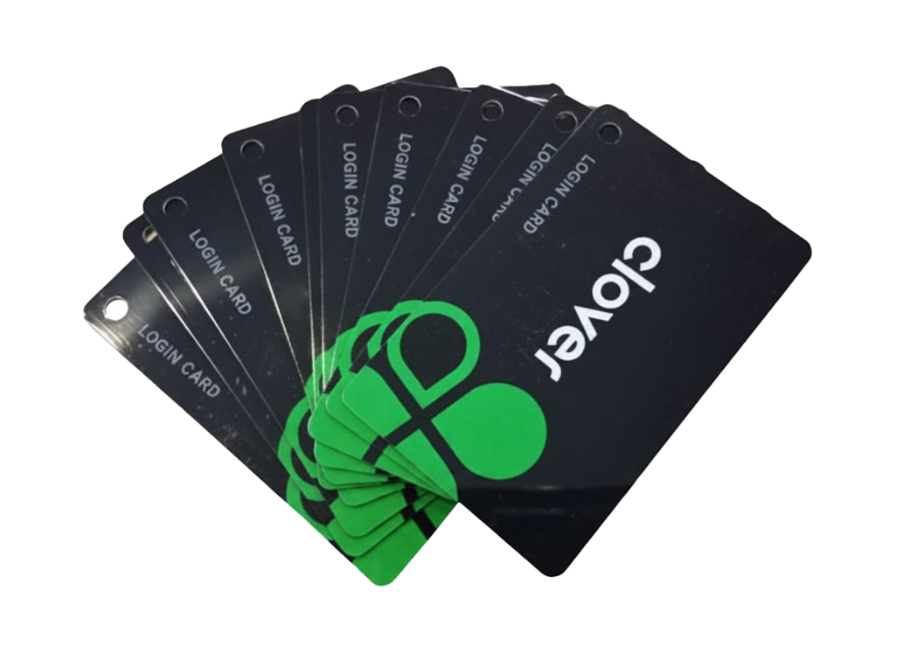
Clover Employee Login Card
Tap-to-login cards so staff can clock in and switch users on the POS in a second — no PINs to share or forget. Tightens accountability on voids, refunds, and shift reporting.
Not sure which add-ons you need?
Tell us about your business and we'll build the right setup — hardware, accessories, and software, quoted together.
Tell us your setup — we'll point you to the one.
A few common scenarios and the Clover system that fits each best. Not seeing yours? We'll match it on a quick call.
Tight space, on the move
You need a full POS that fits a small counter and can run on cellular when you're parked away from Wi-Fi.
Fast counter service
High order volume, a single till, and a roomy screen for staff — without paying for a second customer display you don't need yet.
Tips, tables & turnover
You want a customer-facing screen for higher tips and faster checkout, plus table management and kitchen routing built in.
Lines out the door
Peak rushes are costing you sales. Let customers order and pay themselves to lift ticket size and free up staff for the kitchen.
Selling away from the counter
You take payments at the table, at events, or at the door. You need a handheld that does chip, tap, and receipts anywhere.
Scan, weigh & check out
You move a lot of SKUs and want fast barcode scanning, sell-by-weight, and a customer display — all on one counter.
Good to know before you choose.
The things merchants ask us most when comparing systems.
Yes. Everything runs on the same Clover platform, so your menu, inventory, customers, and reporting carry over. Start with a Mini and add a Station or a Kiosk later — your data and apps come with you, and we'll handle the migration.
Buying outright is the lowest total cost if you have the capital. Leasing spreads the cost over 48 months and keeps cash free. The Clover Mini also offers a month-to-month rental with no long commitment. We'll walk you through the numbers for your situation — we don't push one over the other.
Rates depend on your business type, card mix, and monthly volume, so we quote them per merchant rather than posting a one-size rate. Tell us your current statement and we'll show you exactly where you'd land — usually with a clear saving.
Yes. Every system includes menu and inventory build-out, hardware setup, and staff training. Kiosks include on-site installation. You're not handed a box and left to figure it out — we get you live and comfortable first.
For busy QSR and fast-casual spots, usually yes. Self-order kiosks tend to lift average ticket size and let you serve more customers with the same staff during peak hours. We'll model the payback against your traffic before you commit so the decision is on the numbers, not a pitch.
Clover connects to kitchen printers, KDS screens, cash drawers, scanners, scales, and 500+ apps. If you have specific gear or a workflow in mind, tell us — we'll confirm compatibility and spec the right accessories before you buy.
Counter systems like the Mini and Stations can often be live within a few business days once your account is approved. Kiosks take a little longer because of on-site install and menu build. Request a quote and we'll give you a realistic timeline for your setup.
Let's find your perfect setup.
Tell us a little about your business and a Great POS specialist will put together a tailored recommendation and quote — hardware, software, and rates, all in one place.
Get my quote
Takes about a minute. Fields marked * are required.
Sorry — something went wrong sending your request. Please try again, or give us a call and we'll take care of it.
By submitting, you agree to be contacted by Great POS about your quote. No spam, ever.
Thanks — we've got it!
A Great POS specialist will reach out shortly with your tailored quote. Keep an eye on your inbox and phone.
Still comparing? Let's make it simple.
Tell us how you do business and we'll match you with the right Clover system — and the rate to go with it.